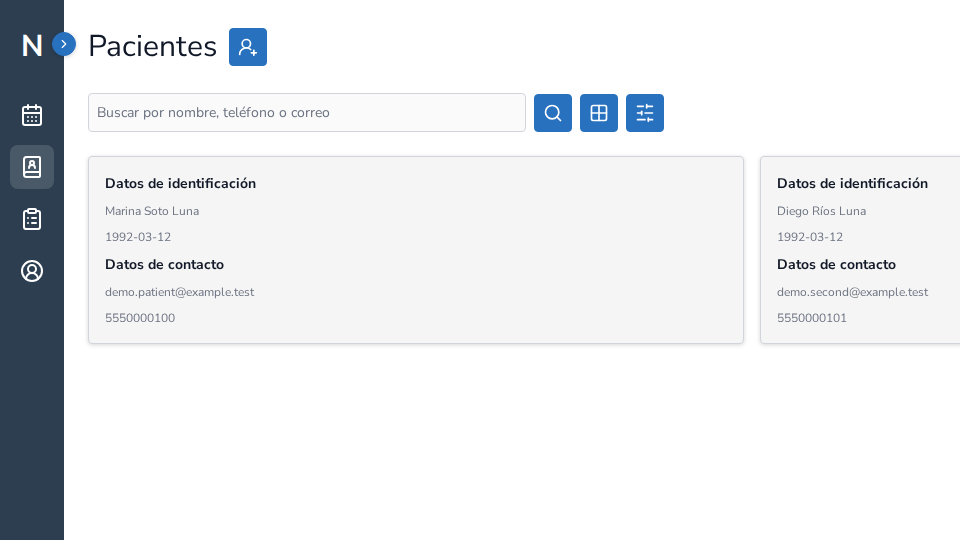
Excel can be enough for a simple list. Specialized practice software may help when you need to relate scheduling, clients, records, notes, assessments, and exports. The decision depends on the workflow, not on which tool looks more professional.
An operational comparison
| Aspect | Excel | Specialized software |
|---|---|---|
| Initial flexibility | High for custom tables | Depends on available features |
| Appointment-to-record relationship | Usually manual | May exist inside the product workflow |
| Finding a case | Depends on columns and filters | Depends on search, filters, and patient record |
| Notes and files | Need an external structure | May stay related to the case |
| Export | Direct control of the file | Depends on formats and scope |
| Cost | Can start without a subscription | Includes service cost and learning |
This table describes general operating possibilities, not a guarantee for every provider.
When Excel may be enough
If you only need to track schedules or a list without clinical information, a spreadsheet may solve part of the problem. Avoid placing sensitive information in files without evaluating access, backups, and portability.
When to evaluate specialized software
Consider a specialized tool when your work requires finding clients, keeping notes related to a record, reviewing background, recording assessments, or exporting modules with a defined scope. Test one workflow with fictional data first.
Use the same scenario
Compare both options with a fictional appointment, client, note, and next step. Observe how often information is duplicated, what happens when you return to the case, and what can be exported. Do not turn the comparison into a guaranteed time-saving claim.
NeuraClinic provides a connected workflow for independent psychologists. Read how to choose psychology practice software and pricing before deciding.