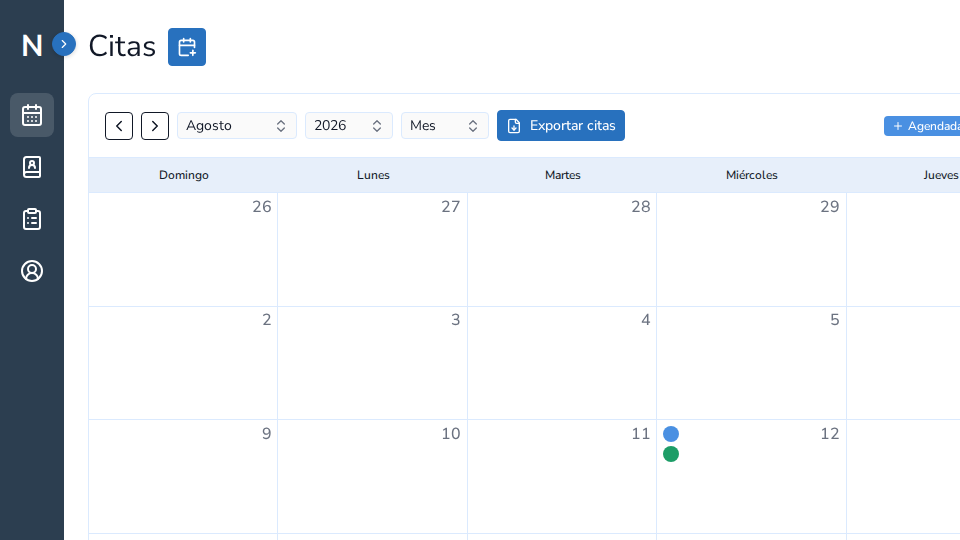
More than a calendar
Useful scheduling shows what is happening today and makes the context around each appointment easy to reach. In a psychology practice, the value is the relationship between time, client, record, and follow-up.
What to evaluate
Check whether you can distinguish appointment states, see next steps, and open the right client without switching tools. Important content should also be available in the server-rendered page and navigation should use real links.
Design the workflow around the session
Before a session you prepare context. Afterwards, you document and continue. Scheduling should not be isolated from those moments.
NeuraClinic connects scheduling, clients, notes, and records so an appointment can be the starting point for a continuous workflow.
A repeatable comparison exercise
Use the same fictional appointment in every tool. Check day, week, and month views, identify the appointment state, open the related client, and note what context is available before and after the session. This reveals manual steps more clearly than comparing colors or button counts.